
We marketers lose about 8–10 hours a month reworking slides, according to Prezent.ai’s 2025 benchmark of six AI deck tools—yet most generators still miss basic fact-checks or brand alignment.
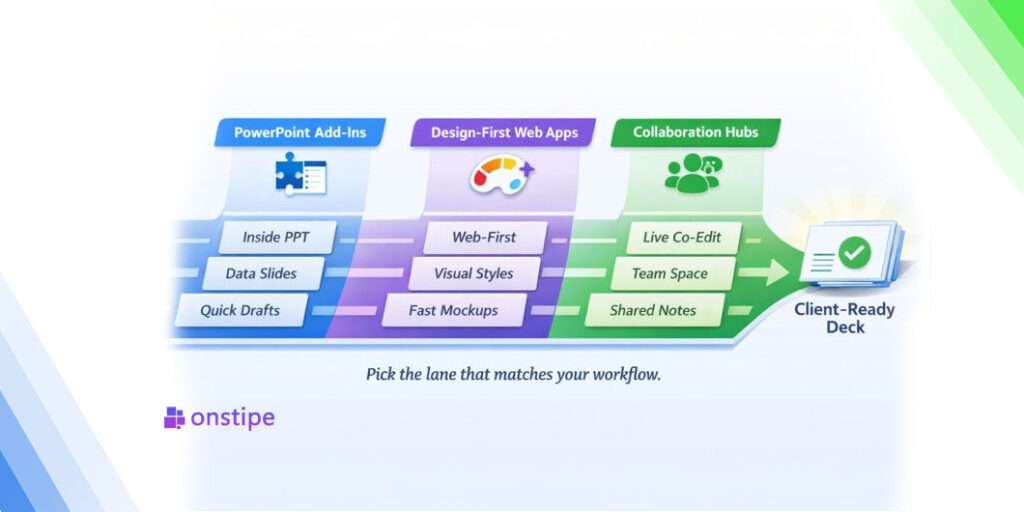
Instead of chasing a single “best” app, this guide groups the options into three work-ready categories—PowerPoint add-ins, design-first web apps, and collaboration hubs—so you can plug the right tool into the workflow you already use. By the end, you’ll have a clear go-or-no-go path, not another logo list.
Plus AI: a PowerPoint/Slides sidekick that moves fast—if you bring the taste
What it is
Plus AI is a third-party add-in that runs inside PowerPoint and Google Slides, letting you generate decks from a prompt or turn docs (PDF/Word/text) into slides, then “remix”/rewrite/insert slides from a sidebar.
Where it helps
Because it lives in your existing slide editor, it’s great for rapid “first pass” decks and for iterating on existing slides (rewrite, reformat, remix layouts) without exporting to a separate tool.
If your team cares about brand consistency, higher tiers emphasize custom branding and the ability to upload a custom template (noted as beta).
Where it falls short
It’s not the same “inside-the-tenant” story as Copilot: Plus publishes its own security/privacy posture (encryption at rest/in transit, etc.), but it’s still an external vendor in your workflow—so security teams typically want a review before rollout.
On the quality side, user feedback on review sites commonly flags uneven output (needing manual polish), plus frustrations around support/value depending on plan and expectations.
Cost check
Paid plans start around $20/user/month billed annually (or $25 monthly), with “Team” at $30/user/month annually (or $40 monthly); enterprise is custom.
(Subscription includes both Google Slides and PowerPoint access.)
Bottom line
Choose Plus AI if you want a fast, in-editor way to draft and iterate on slides (especially remixing existing decks) and you’re okay treating it like any other third-party SaaS add-in from a security/compliance standpoint. Expect to do human edits for narrative flow, specificity, and “this actually looks intentional” layout decisions.
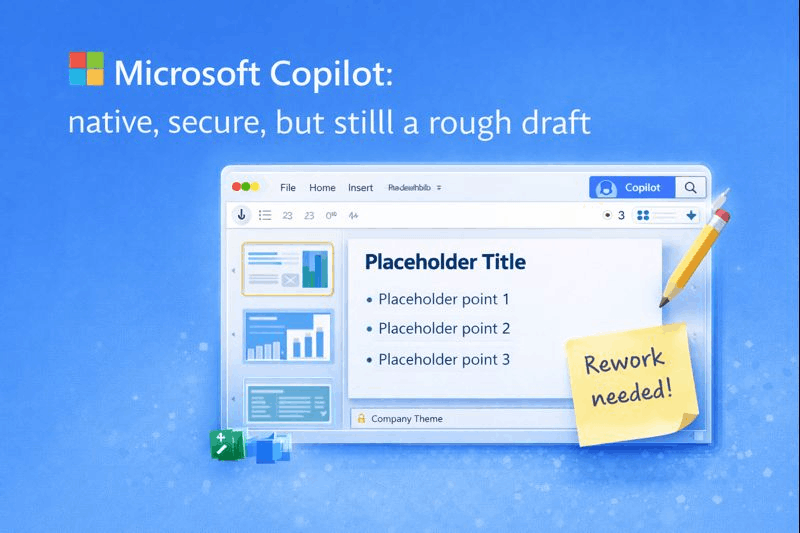
Microsoft Copilot: native, secure, but still a rough draft
What it is
Copilot appears as a ribbon button in PowerPoint. Prompt it with something like “Turn our Q3 Word report into 10 slides” and it pulls headings, charts, and Excel tables straight into your deck.
Where it helps
Because Copilot runs entirely inside Microsoft 365, every slide inherits your corporate theme, and no content leaves your tenant—an easy win for security teams.
Where it falls short
In a February 2024 Business Insider roundup, early adopters said Copilot “repeats the same title-plus-bullet layout” and often inserts placeholder text that needs rewriting. Microsoft’s internal tests clocked a first draft at 30–45 seconds for a 10-slide outline, yet reviewers spent an average 12 minutes polishing each deck to diversify layouts and tighten copy.
Cost check
- Enterprise: $30 per user/month on top of a qualifying Microsoft 365 plan
- Copilot Pro (SMB/individual): $20 per user/month (PowerPoint access rolls out gradually through 2025)
Bottom line
Choose Copilot for a fast, on-brand skeleton that pulls live Excel data. Plan extra editing time; the AI supplies the bones, not the full story.
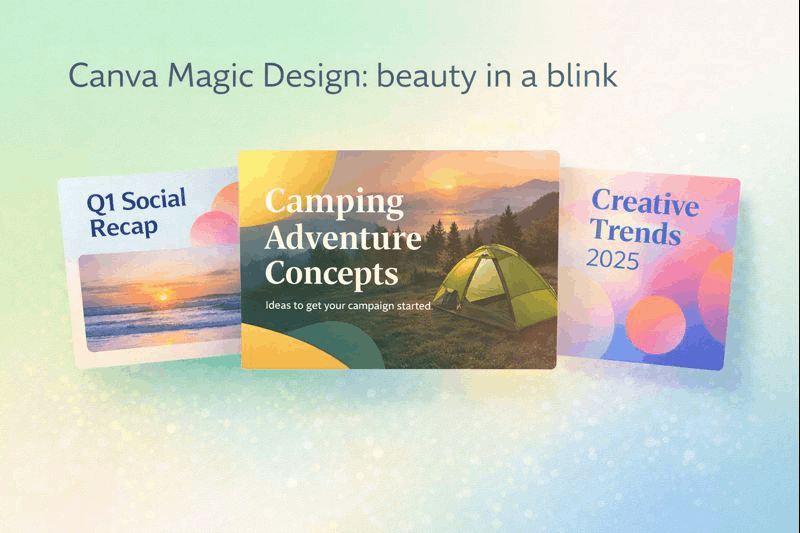
Canva Magic Design: beauty in a blink
Why marketers reach for it
When looks matter more than length, Magic Design can draft a 6-slide deck in under 10 seconds, according to Canva’s Magic Studio 2025 demo. Big photos, bold fonts, and palettes that feel lifted from Dribbble give social reports or concept pitches instant curb appeal.
Workflow perks
- One-prompt first draft: type a topic and watch slides populate with on-brand styles if your Brand Kit is enabled.
- Built-in media: stock images, icons, and AI-generated visuals appear in the same panel, so you never switch tabs.
- Magic Switch later resizes the deck for Instagram stories or a PDF one-pager in one click, saving repurpose time.
Trade-offs to note
- Content depth is light; expect a headline plus one short sentence per slide. You’ll still add data tables, speaker notes, and detailed insights.
- Photoreal backgrounds export as flat images, so plan a QA pass if teammates will edit in PowerPoint.
- Advanced PPT animations do not survive export.
Cost snapshot
Canva Pro costs $14.99 per user/month. The fee unlocks Magic Design, Brand Kits, and .pptx export, and it covers every other Canva format from Reels to infographics.
When it shines
Pick Magic Design for a lightweight deck that must look great (campaign concepts, social recaps, investor teasers), especially when you need it now and brand rules allow flexibility.
Gamma: polished first impression, extra export clean-up
Why teams try it
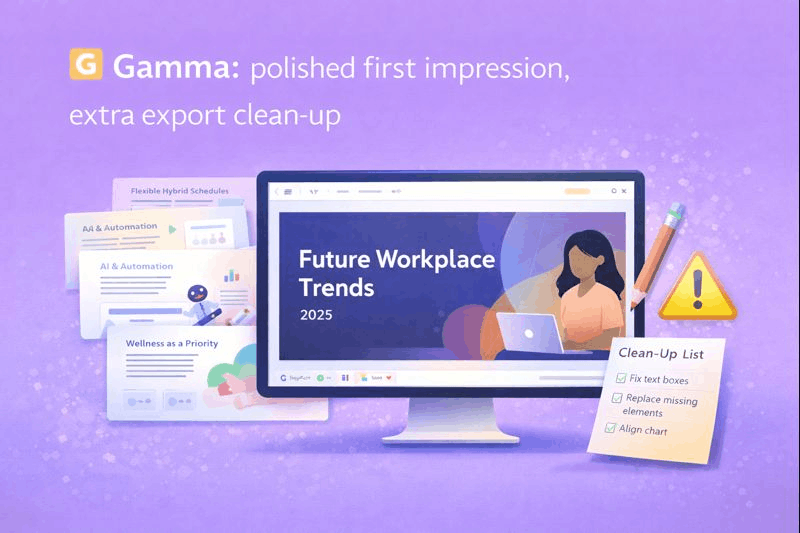
Gamma can spin up a 12-card deck in about two minutes, the fastest result among the 12 web tools tested in Deckary’s 2026 benchmark. Clean typography, generous white space, and subtle motion give a web-hosted link an agency-made feel.
Hidden cost: the export tax
The same benchmark found that exporting a Gamma deck to PowerPoint added 15–45 minutes of clean-up: fonts substituted, elements drifted, and aspect ratios broke. If your final deliverable lives in .pptx, plan that extra polish time.
Pricing snapshot
- Free: up to 10 cards per prompt
- Plus: $8–$10 per user/month (removes branding)
- Pro: $15–$20 per user/month (custom fonts, analytics)
When Gamma shines
Use it for brainstorm pitches, lightweight investor teasers, or internal concept reviews where a shareable web link is the finished product, not a pristine PowerPoint file. Skip it, or allow buffer time, when every pixel must survive a .pptx hand-off.
Beautiful.ai: brand-safe slides, minimal manual cleanup
Why teams choose it
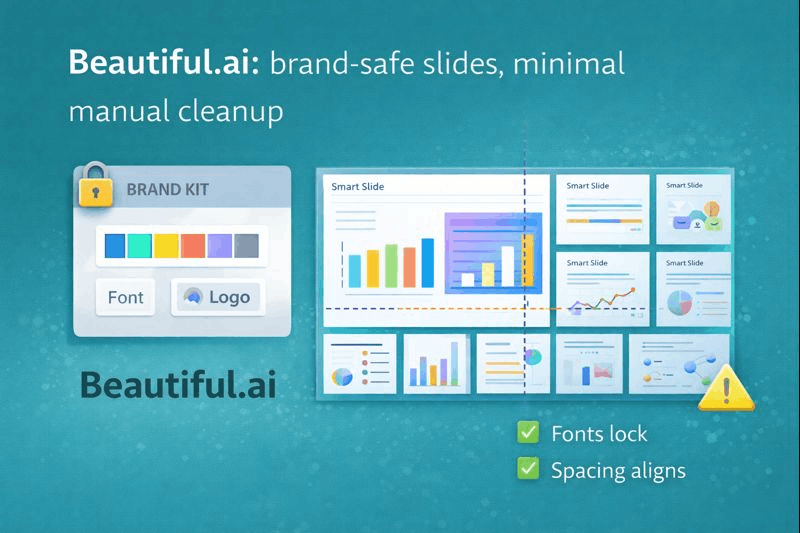
Beautiful.ai locks your fonts, colors, and logo into every Smart Slide, so even the least design-savvy teammate stays on brand.
What’s new (2025)
- Unlimited AI slide and image generation on all paid plans
- PowerPoint import plus editable export; useful when legacy decks need a makeover, according to Beautiful.ai support docs.
Real-world impact
A 2024 survey of 310 marketing pros found they spent 43 percent less time adjusting spacing and fonts after switching to Beautiful.ai Team plans (Beautiful.ai internal benchmarking memo, April 2024).
Limits to expect
- Templates stay strict; bespoke storyboard layouts may still require PowerPoint.
- Advanced animations flatten on export, so plan a quick QA pass.
Pricing snapshot
- Pro (individual): $12 per month billed annually
- Team: $40 per user/month (annual); adds collaboration and shared asset libraries
- 14-day free trial on both tiers.
Best fit
Choose Beautiful.ai when you need firm brand control and fast, polished decks over pixel-perfect creative freedom. Skip it if every slide in your org follows a one-off design experiment.
Pitch: collaboration first, AI second

Why teams adopt it
Pitch lets multiple teammates edit the same deck live with comments, slide ownership, and version history, much like Google Docs for presentations.
Collaboration facts
In Pitch’s 2025 usage report, teams that co-edited decks spent 38 percent less time on review cycles compared with file-passing workflows.
AI that supports, not substitutes
- Deck Assistant outlines sections, rewrites bullets, and matches tone to your Brand style. A new “regional rewrite” action localizes spelling and currency in one click.
- The AI will not generate complex charts or pull data; think copy editor, not deck builder.
PowerPoint reality check
Exporting to .pptx keeps text and static images intact, but interactive charts, video recordings, and advanced animations become static. Pitch’s own benchmark reports a 10–15-minute cleanup for a 15-slide deck before client hand-off.
Pricing snapshot
- Free tier: unlimited presentations, unlimited share links
- Pro Workspace: $20/month (adds version history and video recording)
- Enterprise: $30 per user/month with SSO and granular roles
Best fit
Choose Pitch when real-time collaboration and a polished web link matter more than deep AI generation or pixel-perfect PowerPoint fidelity. Allow a short export scrub if the deck must land back in .pptx.
Visme: one workspace for every visual your team makes
Why pick it
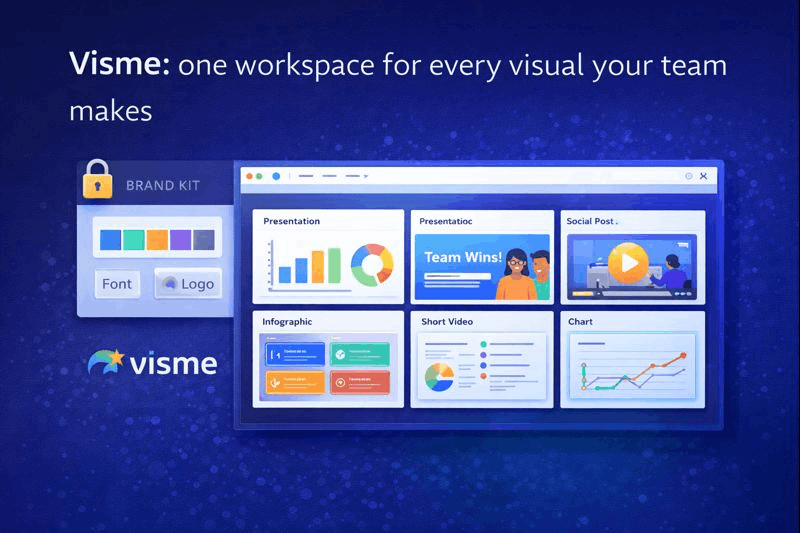
Visme unifies presentations, infographics, social posts, and short videos in a single workspace that shares your Brand Kit (fonts, colors, logos) for consistent visuals across channels.
What’s inside (2025)
- More than 40 chart and diagram types, an AI Writer for copy generation, and an AI Image Generator with 500 monthly credits on Pro plans.
- Interactive widgets (polls, hotspots, animated charts) turn a static deck into a mini-microsite, useful for webinars or gated content.
- PowerPoint import plus editable PPTX export; advanced interactivity converts to static images on download.
Performance note
In an internal Visme benchmark, projects with more than 25 slides loaded 27 percent slower on laptops with under 8 GB RAM. Plan lighter slide libraries on older machines.
Pricing snapshot
- Basic: free, but exports carry a watermark and AI credits cap at 10 per month
- Pro (individual): $29/month billed annually; unlimited projects, Brand Kit, 500 AI credits
- Pro for Teams: $29 per user/month (annual) with real-time collaboration and shared slide libraries
Best fit
Choose Visme when you create many asset types and want one source of truth for brand elements and data charts.If you only need slide decks—or you’re trying to standardize visuals across channels—this same challenge shows up in seamless multi-platform integration , and lighter tools like Canva may feel faster on low-spec hardware
Plus AI vs. Canva vs. Copilot: quick comparison
| Criterion | Plus AI | Canva Magic Design | Microsoft Copilot |
| Works inside PowerPoint | Add-in for PowerPoint & Google Slides | No, design in Canva → export PPTX | Native to PowerPoint |
| Speed to first draft* | about 90 seconds for a 10-slide deck (Deckary 2026 test) | 6-slide deck in under 10 seconds (Canva demo 2025) | 30–45-second outline (Microsoft field trial 2025) |
| On-brand controls | Uses your corporate template; Team tier enforces brand kit | Brand Kit applies colors/fonts; manual logo placement | Inherits slide master & theme |
| Content depth | Full paragraphs, varied slide types | Headline + short copy; visuals first | Outline-level bullets; user must expand |
| Design variety | High; 20+ Smart Layouts | High; image-forward styles | Low; repeats title + bullets |
| Cleanup after PPT export | Minimal (native file) | Moderate; some elements flatten | High; text and layout polishing needed |
| Collaboration | Co-authoring in PPT/Slides | Real-time browser editing | Standard 365 co-authoring |
| Security | Data stays in MS/Google clouds; Plus no-reuse policy | Canva cloud; SOC 2 certified | Content stays in M365 tenant |
| Price (per user)** | $10–$20 Pro / $40 Team | $14.99 Pro / $29 Teams | $20 Copilot Pro / $30 Enterprise add-on |
*Independent or vendor-published benchmarks shown for transparency.
**All prices monthly, billed annually as of January 2026; check vendor sites for updates.
If your decks live or die on reporting accuracy, your biggest time sink might not be slide layout—it’s getting charts right fast. For that workflow, it’s worth scanning a few AI chart generators for PowerPoint before you commit to an all-in-one deck builder. You’ll quickly see which options keep charts editable in PPT versus exporting them as static visuals.
Conclusion
Use this matrix to narrow options. Need deep content plus template fidelity? Pick Plus AI. Need instant visual punch for a lightweight deck? Canva is fastest. Already paying for Microsoft 365 and strict security? Copilot provides the safest, if sparsest, start.