Your LinkedIn photo is your digital handshake. According to LinkedIn, profiles with a professional headshot get up to 21× more views and 36× more messages.
But hiring a photographer takes time and money most professionals don’t have. That’s where AI headshot generators come in. We tested five leading tools—scoring realism, keeper rate, LinkedIn readiness, price, speed, and privacy—so you can pick the best option with confidence.
How we tested and ranked the contenders
Our first question was straightforward: Would this headshot make you proud to post it on LinkedIn today? To find out, we ran each AI headshot generator through a six-point rubric hiring managers and security teams care about:
- Realism (30 percent). Does the image look unmistakably like you, or does it drift into “AI plastic”?
- Keeper rate (20 percent). We counted every usable photo and converted that total into a percentage.
- LinkedIn readiness (15 percent). We dropped each finalist into LinkedIn’s 400 × 400-pixel crop window to check sharpness, face centering, and edge safety.
- Value (15 percent). Cost per usable headshot (not sticker price) drove this score.
- Privacy (10 percent). We examined deletion timelines, no-training clauses, and any security certifications.
- Speed (10 percent). Same-day turnaround matters when a recruiter calls for an interview tomorrow.
Weighting each category this way let us name a clear winner and show exactly how it rose to the top.
Quick snapshot: how the top five stack up
Before the detailed reviews, here’s a quick grid so you can spot the fastest AI headshot generator, best value, or strongest privacy option right away.
| AI tool | Stand-out strength | Base price* | Typical turnaround | Key privacy note |
| InstaHeadshots | Fastest and most realistic output | $49 for 40 images | ≈ 15 minutes | Auto-deletes after 30 days; no model training |
| Aragon AI | Fine-grained style and background control | $35 for 40 images | ≈ 45 minutes | User-triggered deletion; refund available |
| HeadShotPro | Consistent bulk results for teams | $29 for 40 images | 1–3 hours | “Profile-worthy” money-back guarantee |
| Secta AI | Hundreds of styles plus Remix editor | $49 for 300 images | ≈ 2 hours | 30-day no-questions refund; strict no-reuse policy |
| Try It On AI | Lowest entry price | $17 for 100 images | 1–2 hours | States no training; no formal refund policy |
1. InstaHeadshots: best overall for LinkedIn-ready results
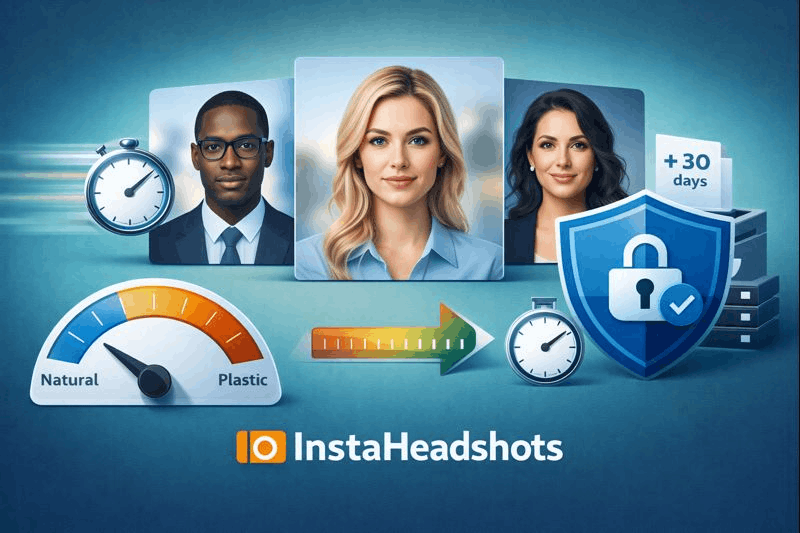
InstaHeadshots is an AI headshot generator that moves fast. We uploaded a dozen selfies and had a full gallery in about 15 minutes, according to the InstaHeadshots pricing page. That kind of turnaround matters when a recruiter pings you and yesterday’s photo still shows an old haircut.
Speed doesn’t hurt quality. Of the 40 images returned, roughly 75 percent were keepers: bone structure stayed accurate, skin texture looked natural, and glasses rendered cleanly.
At $49 for 40 images, cost sits in the middle of the pack, yet the high keeper rate puts the price per usable photo near the lowest in this review.
Privacy is strong. The service deletes your uploads and outputs 30 days after creation and states your likeness never trains a public model. No lingering face data means real peace of mind.
The interface is quick, too: upload, pick a professional style, hit Generate. By the time your coffee cools, you’ll have a LinkedIn-ready photo that looks like you.
Bottom line: Need a realistic image in minutes and tight privacy terms? InstaHeadshots is the top pick.
2. Aragon AI: best for fine-tuning every detail
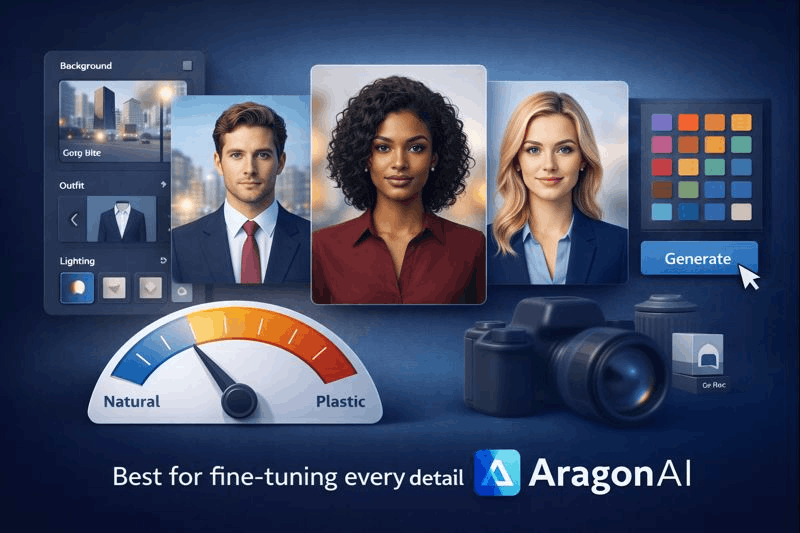
If you want to direct the photo shoot, this AI headshot generator hands you the controls. Upload a dozen clear selfies and its dashboard lets you swap backgrounds, outfits, and lighting presets before you click Generate. Two taps add a navy blazer on a light gray background; another sets an outdoor city blur.
Turnaround is quick. The Basic plan returns 40 headshots in about 45 minutes. Quality lags our winner slightly; about 60 percent of images were LinkedIn-ready in our test, mainly when we pushed bold style combos.
Price sits at $35 for 40 images. Adjusted for keeper rate, the cost per usable photo stays competitive, and the redo-or-refund guarantee, noted on Aragon AI’s refund policy page, protects your spend.
Privacy is solid. Aragon AI’s privacy page notes that the service never trains public models on your photos, offers one-click deletion, and holds SOC 2 Type II and GDPR credentials.
Bottom line: Want precise control over background and wardrobe plus fast delivery? Aragon AI gives you a virtual studio without the studio bill.
3. HeadShotPro: best choice for teams that need consistency
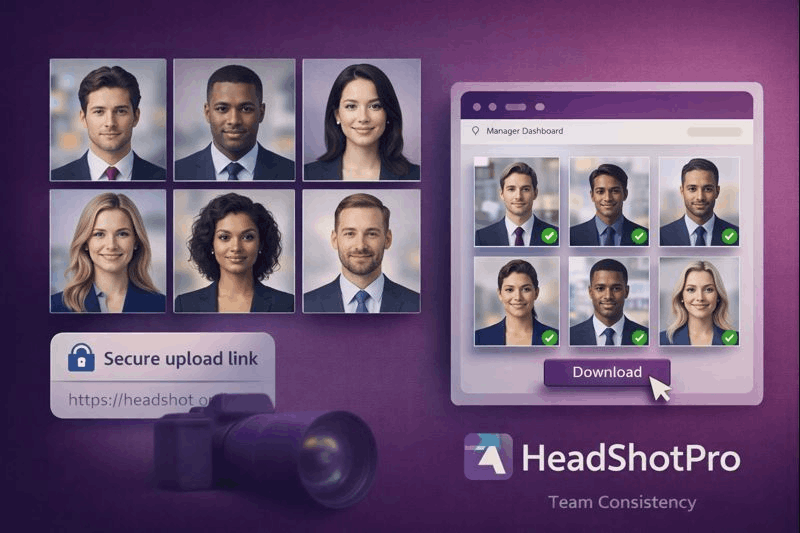
Coordinating headshots for ten or two hundred employees often turns into calendar chaos. This AI headshot generator removes the pain with one link and a clear deadline.
Here’s how it works: the admin sends each teammate a private upload link. Everyone adds selfies, picks an outfit style, and clicks Submit. About two hours later the manager receives a uniform gallery, with every face framed, lit, and cropped the same way.
Solo plans work well, too. The Starter tier costs $29 for 40 images, and roughly 50 percent were LinkedIn-ready in our test. Higher tiers scale to 240 photos across multiple backgrounds, handy when you need different looks for LinkedIn, Slack, and the company site.
Risk stays low. HeadShotPro’s “Profile-Worthy” guarantee promises a full refund if you don’t get at least one usable headshot.
Security meets big-company standards. The platform is SOC 2 Type II audited and offers an optional 30-day auto-deletion of all data.
Bottom line: When consistency matters more than creative flair, HeadShotPro delivers identical, professional headshots at scale so you can refresh an entire team page in a single afternoon.
4. Secta AI: best when you want every style under the sun
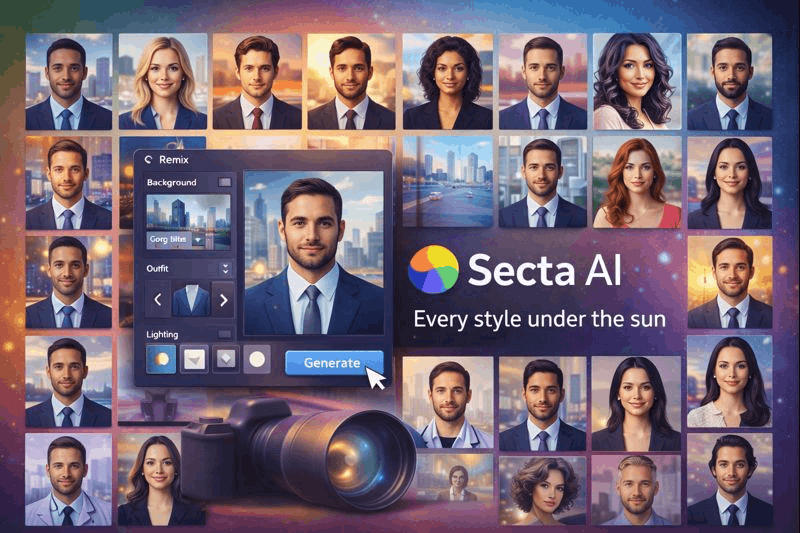
Secta AI is the volume champion among AI headshot generators. Upload about 25 selfies and receive 300-plus headshots across seven styles for $49. That variety can cover LinkedIn, a website bio, and even a podcast thumbnail without paying three separate services.
The trade-off for that bounty is patience: the gallery lands in about two hours. In our test, roughly 20 percent were LinkedIn-ready, leaving about 60 polished images—still the biggest usable haul in this review.
Secta’s built-in Remix editor lets you swap backgrounds, adjust lighting, or change outfits on any image without retraining the model. Post-processing feels like a two-click task.
Trust is solid. The company offers a 30-day money-back guarantee if you’re not satisfied and pledges not to reuse your photos.
Know before you buy: Secta needs at least 20 clear selfies. If your camera roll is light, plan a quick photo session first.
Bottom line: If you crave maximum variety and don’t mind waiting two hours, Secta AI gives you the widest style range and keeps editing open long after the first batch arrives.
5. Try It On AI: best headshot on a student-size budget
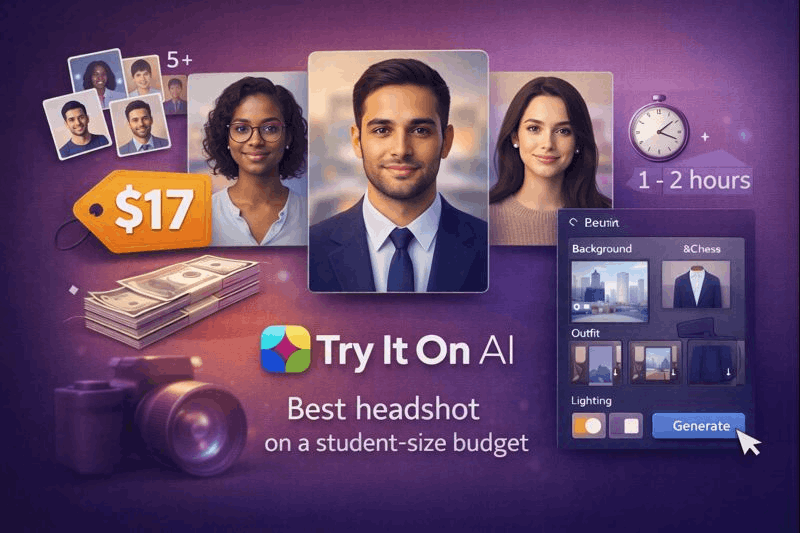
If your budget tops out around $20, this AI headshot generator keeps things simple and affordable. The Base Photoshoot costs $17 and returns roughly 100 images. Turnaround averages about 90 minutes, so you can queue the gallery and check back after a study break.
Quality falls in the “good enough” tier. In our test around 12 of 100 images were LinkedIn-ready. That may sound modest, yet it still delivers value at this price.
Workflow is straightforward: upload 10–15 selfies, pick a style, and wait for an email. After generation you can swap backgrounds or order a $10 human touch-up if a near-perfect photo needs minor polish.
Privacy language looks solid, with no model training and user-controlled deletion. The trade-off is a no-refund policy in the Terms of Service.
Bottom line: Students, freelancing newcomers, or anyone testing AI headshots on a tight budget will get a usable profile image for less than a takeout meal, but expect to sort through a big batch to find the gems.
Which tool fits you best? A quick decision guide
- Need a polished headshot by lunch? Choose InstaHeadshots. Upload before a meeting, download about 15 minutes later.
- Want full creative control? Aragon AI lets you adjust backgrounds, outfits, and lighting until every pixel matches your brand.
- Managing headshots for a growing team? HeadShotPro standardizes images with one upload link and SOC 2 Type II security.
- Need the widest style range? Secta AI supplies 300-plus images across seven styles and a Remix editor for easy tweaks.
- Working with a student-size budget? Try It On AI delivers a LinkedIn-ready photo for about $17, perfect for students and freelancers.
Should you use an AI headshot at all?
AI headshots solve three big problems: time, cost, and logistics. They still aren’t right for every situation. Use this checklist to decide.
When AI makes sense
- Speed. Snap a few selfies during a coffee break and download a studio-quality portrait in about an hour.
- Cost. Traditional sessions can reach $300 or more for a single image; even the highest plan here stays under $50.
- Scale. Platforms such as HeadShotPro give HR teams matching photos for dozens of employees without booking studios in multiple cities.
When to book a photographer
- Authenticity. A 2024 Ringover survey found 66 percent of recruiters would be put off if they realized a candidate’s headshot was AI-generated. If total transparency matters in your field, such as law, mental-health counseling, or high-stakes consulting, book a real shoot.
- Input limits. Grainy group pics or decade-old selfies confuse the model and warp details. If you cannot supply 15 recent, well-lit photos, AI may disappoint.
- Absolute privacy. Trusted tools delete files after 30 days and promise no model training, yet if any cloud upload feels risky, keep data offline and hire a local photographer.
Quick rule of thumb
Choose an AI headshot generator when speed, budget, or scale leads the brief. Choose a human photographer when trust, perfect fidelity, or airtight data control matter most. If you’re still on the fence, this data-driven studio vs DIY vs AI cost & ROI breakdown can help you pick the right option for your use case.
Nail the upload: a LinkedIn-specific headshot checklist
LinkedIn displays your photo as a 400 × 400-pixel circle, so details can disappear fast. Run through this sixty-second check before you hit Save:
- Crop for focus. Let your face fill about sixty percent of the square and keep your eyes roughly one-third from the top.
- Check clarity on mobile. Zoom out to phone size; if eyes blur, choose a higher-resolution file.
- Pick a neutral background. A plain wall, soft office blur, or muted brand color keeps attention on you.
- Balance lighting and color. Even exposure and natural skin tones look professional; correct any odd yellow casts.
- Stay authentic. Use an image that reflects how you look today, because recruiters notice when real life and profile pictures don’t match.
Is your face data safe? A plain-English privacy brief
We asked each provider one question: What happens to my photos after the headshots are delivered?
- InstaHeadshots deletes uploads and outputs 30 days after delivery and never trains a public model on your face.
- HeadShotPro is SOC 2 Type II certified and offers an optional 30-day auto-deletion window.
- Aragon AI lets you wipe your gallery and the temporary model with a single click and promises no reuse for training.
- Secta AI gives a 30-day money-back guarantee and states that user data is never repurposed for model training.
- Try It On AI follows the same “no training” policy but has no third-party audit on record.
During processing, all five AI headshot generators store images in encrypted cloud locations. Staff access stays blocked unless you pay for a manual retouch, and then only the assigned editor sees your photo—still, it helps to understand data privacy laws (like GDPR and CCPA) when you upload personal images to any cloud service.
Still cautious? Delete the gallery as soon as you download your favorites, or shoot fresh selfies against a blank wall so no background data leaks.
Conclusion
Bottom line: these services handle your images like confidential client files, not social-media fodder. Read the policy, hit delete when you’re done, and your face will not linger on someone else’s server.
FAQs
Are AI-generated headshots allowed on LinkedIn?
Yes. LinkedIn doesn’t ban AI headshots, but your photo should still look like you today and feel professional—recruiters may react negatively if it looks obviously synthetic.
How many selfies do I need for good results?
Most tools work best with 10–15 recent, well-lit selfies (some, like Secta AI, may require 20+). More variety in angles + lighting usually improves realism and reduces “AI face” artifacts.
Which AI headshot generator looks the most realistic?
Based on the article’s testing, InstaHeadshots produced the most consistently realistic, LinkedIn-ready results with a strong keeper rate and very fast turnaround.
What’s the cheapest option for a usable LinkedIn headshot?
Try It On AI has the lowest entry price (around $17). Expect to sift through more images to find a few strong keepers compared to higher-priced tools.
Is it safe to upload my face photos to these services?
It depends on the provider’s policies. Look for auto-deletion timelines, no-training/no-reuse clauses, and ideally security audits (like SOC 2 Type II). To be extra cautious, download what you need and delete your gallery right away.