
AI is changing everything for social media professionals. It can create blog posts or social media content quickly (sometimes within seconds), but the AI-sounding posts will eliminate your brand’s personality. As soon as your audience sees an AI-created post, they’ll pass on by and possibly even call you out in comments!
So do the platforms; algorithms are now looking at the authenticity of your content versus generic AI-generated content. Your reach has been cut back, and your engagement is down. That is when AI humanizers become useful. The tool takes your AI-created blog posts and builds them to sound conversational and natural, as if written by a person.
For social media creators/influencers, marketing departments, and small business owners, the correct humanizer will allow you to maintain your ability to work efficiently while maintaining your voice.
Why Generic AI Content Kills Your Social Media Performance
Posting obviously AI-generated content has a predictable outcome.
You will see an initial drop in engagement; followers will feel that something is “off” about the content—or the post—but may be unable to articulate exactly what it is. The content will sound flat and/or lack the rhythmic quality of content created by humans.
Next, the algorithms kick in.
LinkedIn and Instagram (and other social media platforms) are designed to surface content that generates authentic interaction, so generic, obviously AI-generated content gets buried; your reach decreases; fewer people from your carefully built community see your content.
And worst of all, you lose credibility; your audience loses faith in you.
Social media is based on authenticity; when your audience discovers that you are using AI to generate edited versions of your posts, they begin questioning everything you post.
The costs add up quickly.
How We Tested These Tools
We used real-world social media scenarios as a testing ground for each humanizer.
We created the content using ChatGPT and Claude. The created content was then run through each of the humanizers that were being tested.
In addition to this, the test content consisted of:
- Thought leadership posts on LinkedIn
- Captions for Instagram carousels
- Starters for Twitter/X threads
- Updates for Facebook communities
- Scripts for TikTok videos
All of the humanized outputs were tested with multiple AI detector tools. We tested for tone, style, platform appropriateness, and the ability to maintain personality while avoiding detection.
We tested for tone flexibility. Does the tool transition from a professional tone on LinkedIn to a casual tone on Instagram? Are emojis handled appropriately? Does it adjust based on the tone and voice of your brand?
The winners avoided detection, were able to maximize their engagement potential, and actually appeared to be written by a human.
The Best AI Humanizers for Social Media
Here’s what actually works.
Walter Writes AI – Best Overall for Social Media Humanization

Walter Writes is ideal for multi-platform social media managers and their content teams due to its ability to produce real and engaging content using artificial intelligence.
Walter Writes was originally built for creating content that has a high level of indistinguishability from user-created content, while at the same time being able to provide the engagement needed by users on social media.
In addition to its “tone” presets that are designed for each specific platform (casual for Instagram and TikTok; professional for LinkedIn; marketing for promotional posts without sounding like an advertisement), Walter Writes has also developed capabilities that allow the content generated to be passed through the major AI detection tools, such as:
Originality.ai, GPTZero, Turnitin, Copyleaks.
Key features include:
- More than 80 languages are supported for managing your global social media presence.
- Tone for each social media platform optimized.
- Emojis and hashtags are not broken when processed.
- Processed in real time, 10–30 seconds.
- Access to the API for the bulk content workflow.
- Free trial provides 300 words to try it out.
- Starter plans run approximately $12 per month for 30,000 words. Business plans run approximately $24 per month for 70,000 words. This number of words is enough for social media, where 99% of all posts have fewer than 500 words.
Website: walterwrites.ai
Jasper AI Paraphrasing Tool – Best for Quick Social Rewrites
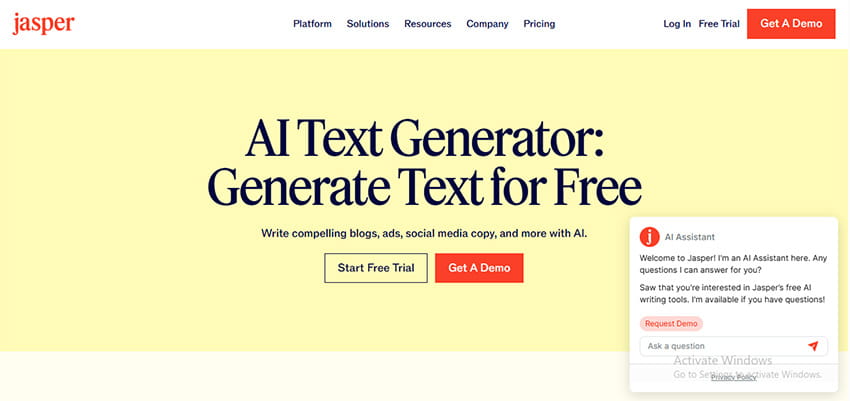
It is ideal for solo writers who are looking to make quick edits. Jasper is marketed as a writing assistant. However, Jasper’s paraphrasing function acts as a decent “humanizer.”
Jasper is made for speed. Write your AI-created caption, pick your tone, and you’ll have a rewritten version of it in a couple of seconds. This is where the Brand Voice option comes into play. Once you’ve trained the brand voice on your past content, it will maintain your voice throughout all your posts. You will continue to maintain the energy of your Instagram. The professionalism of your LinkedIn will be maintained.
Key features include:
- Speedy processing for last-minute posts
- Ability to retain brand voice between sessions
- Built-in templates for social media
- Chrome browser add-on for inline editing
Pricing is higher than many of the competitors; however, the built-in template library is a valuable addition when creating from scratch is a regular occurrence for you.
Grammarly AI Humanizer – Best for Teams Already Using Grammarly
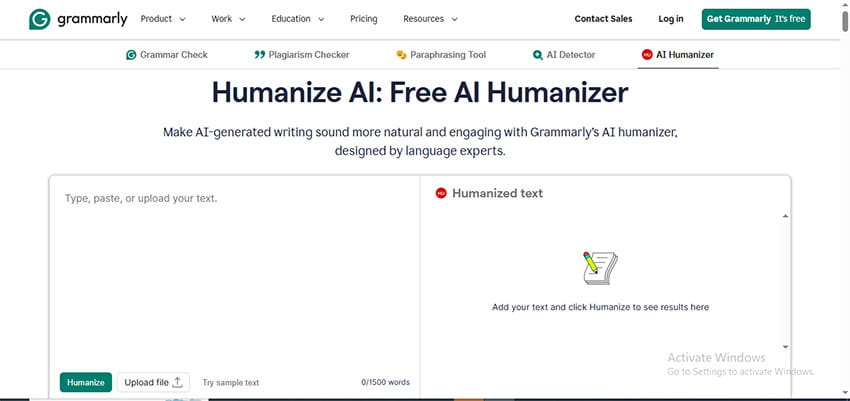
Ideal for marketing teams currently using Grammarly for writing/editing.
Grammarly is already a part of your workflow; as such, the addition of this feature can be an easy decision to add to your workflow. Grammarly’s integration with the humanizer is seamless. You write in Grammarly, use AI to create, use the humanizer to make it seem like a real person wrote it, then schedule the post on the social media site.
Grammarly does a good job of detecting and adjusting tone for social media. It identifies areas of your posts that have a formal tone and/or are written so robotically, and can fix both issues with one click.
Key features include:
- Integration of Grammarly editor with the Humanizer
- Grammarly detects and adjusts tone
- Can be used inside social media scheduling platforms
- Team collaboration tools
- Premium subscription required for all AI capabilities.
While it may not be the least expensive option, it will be easier to stay in the Grammarly ecosystem if you are already utilizing their other products.
QuillBot AI Humanizer – Best for Short-Form Social Posts
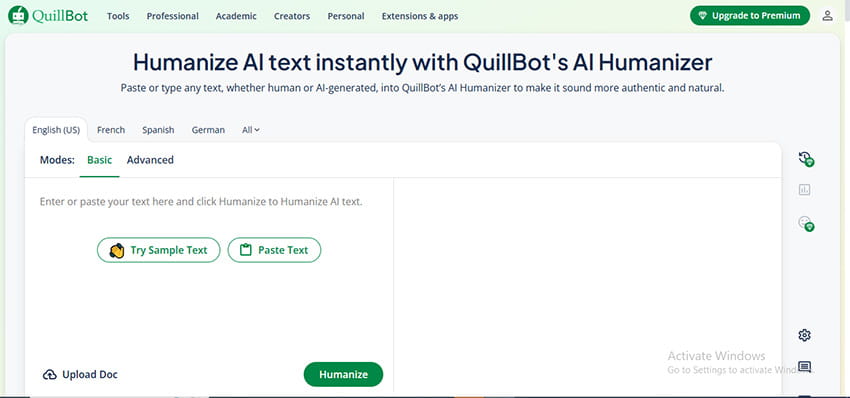
Ideal for captions and social media users on Twitter/X.
QuillBot is great at rewriting shorter content. QuillBot offers several rewriting styles. Standard mode provides a basic rewriting style. Fluency mode can help eliminate awkward language from an AI rewriting style. Creative mode will add a level of personality to the rewritten content.
Rewriting short social media posts (under 200 words), such as those for Twitter, Instagram, and Facebook, is done very effectively.
Additionally, QuillBot has a browser extension that allows you to highlight any text online and rewrite it without leaving your browser window.
Key features include:
- Seven different rewriting modes
- A browser extension for easy access
- Ability to control how strong the synonyms are rewritten in your content
- Supports use of hashtags
Limited to 125 words per rewrite on the free plan. Premium plans for QuillBot begin at around $10/month for unlimited rewrites.
Writesonic – Best for Social Media Template Users
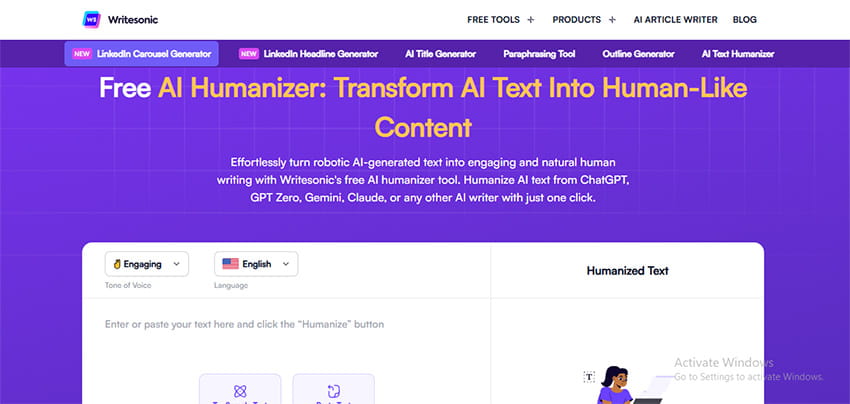
Ideal for Agencies that manage many accounts for clients
WriteSonic is a single space for AI to create and humanize. Create a first draft using WriteSonic’s social media template. Next, use WriteSonic’s Humanizer. All of this occurs within the same single application or “workspace”.
Agencies with clients who speak differently can take advantage of WriteSonic’s tone control to switch back and forth between client “profiles” without having to retrain the tool itself for each client.
Key Features include :
- Templates available for all social platforms
- Humanizing bulk content generated by WriteSonic
- Content performance metrics for humanized content
- Collaboration tools for teams
Price is determined by how many words you need to generate per month. With the Business Plan, you get priority support, and since you are probably working on client deadlines that matter, this may be a good option for you as well.
Ahrefs AI Humanizer – Best for SEO-Focused Social Content
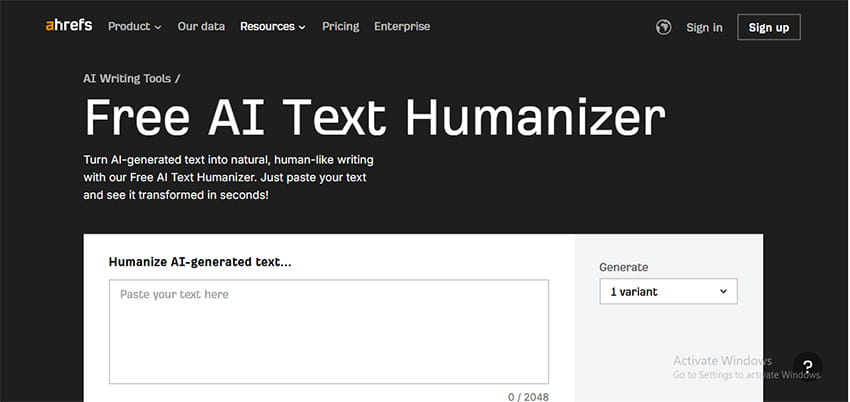
Ideal for businesses that are utilizing social media as a way to build links and drive traffic.
Ahrefs has developed its humanizer with SEO in mind. When it comes to social media, this means optimizing link bio content, preview text, and posting that drives traffic to your website.
The tool is able to do a much better job of finding the right balance between content that is humanized and content that is optimized for SEO keywords. Even though your posts are humanized, they can also rank if someone searches for them.
Key features include :
- SEO keyword integration
- Link preview optimization
- Content performance analytics
- Integrates with other Ahrefs tools
If you are currently using Ahrefs for SEO and you add the humanizer, you will be able to easily extend your workflow.
Quick Comparison
| Tool | Best Social Platform | Starting Price | Free Option |
| Walter Writes AI | All platforms | $12/month | 300 words |
| Jasper AI | Instagram/TikTok | ~$49/month | 7-day trial |
| Grammarly | $12/month | Limited features | |
| QuillBot | Twitter/X | $10/month | 125 words |
| Writesonic | Multi-client management | ~$20/month | 10,000 words |
| Ahrefs | SEO-driven social | Part of the suite | No |
What to Look For in a Social Media Humanizer
Platform-specific adaptation is most important. This is what separates the best humanizers for social media from generic rewriting tools. For example, LinkedIn calls for a professional yet personable tone; Instagram requires an informal and visually-oriented approach; and Twitter asks for a quick and casual tone.
The humanizer you choose should be able to adapt to these different tones without requiring you to manually rewrite the message in each case.
Look at how well the humanizer can manage hashtags and emojis. Many of these tools either mangle special characters or remove them entirely. However, the better tools will allow these to remain in place or improve their positioning within the post.
Also, consider the humanizer’s ability to support threaded and carousel content. To flow naturally, each post should sound like it was written by a human. However, they should also all fit together as if they were one coherent piece of writing.
Professional tools are differentiated from amateur ones through brand voice consistency. Is the humanizer able to take your style guide and create similar-sounding content? Does the humanizer retain your preferences across sessions?
Finally, real-time editing is key when you are managing multiple accounts. With real-time editing, you’ll be able to identify and correct errors before your audience sees them, not after.
Red Flags When Choosing a Tool
Be cautious if the output appears too formal or corporate.
Instagram and other social media platforms live in a very casual world, and tools that convert your Instagram caption to a corporate PR release are completely missing the boat.
Look at how the tool treats modern slang and colloquialisms and conversational fragments (e.g., tbh). Any humanizing tool that cannot treat “gonna”, “tbh”, etc., naturally will be found out quickly.
Test the way the tool handles emojis and special characters. Try copying the humanized version of your post to your actual social media platform. If the format breaks or the emojis vanish when you copy/paste it, this tool will fail badly at scale.
Tone is generic, and generic tone is death.
Your brand has an identity, and as such, your brand has a personality. Any humanizer that removes that personality and also removes all AI telltale signs, you will have simply replaced one problem with another.
Be careful of tools that do not provide a preview or revision option. Mistakes made via social media become public instantly. In order to avoid having errors published publicly, you will want to preview and revise your posts prior to making them live.
How do these humanizers maintain my brand voice?
Walter Writes, and Jasper can also help customize tone for your business using a set of characteristics that describe your company’s personality; feed those two tools some of your best posts,s and they will make sure all future automated humanization will be in line with what works for you.
It’s consistency that really matters here. Choose one tool and use it the same way for every piece of content, and your audience will recognize your voice.
Will these tools work for Instagram captions?
Yes, and they’re particularly good for it.
Instagram captions need personality, proper emoji use, and strategic hashtag placement. Tools like Walter Writes and QuillBot handle all three well.
Test with carousel posts too. The best humanizers keep their voice consistent across all 10 slides.
Can platforms still flag humanized content?
Extremely rare with quality humanizers.
The tools on this list specifically target the patterns AI detectors look for. They restructure sentences, vary rhythm, and add human imperfections that make detection nearly impossible.
That said, no tool offers 100% guarantees. Platform algorithms evolve. Always preview your content and trust your instincts.
How do humanizers handle hashtags and mentions?
Good ones leave them alone or improve them.
Walter Writes maintains hashtags exactly as written. Grammarly flags them if they interrupt reading flow and suggests better placement.
Avoid tools that strip hashtags out or break the # symbol. That creates extra work fixing content before posting.
Can I use these for Twitter/X threads?
Absolutely.
QuillBot and Walter Writes both excel at thread content. They maintain conversational flow between tweets while keeping each one punchy enough to stand alone.
For threads, humanize each tweet individually rather than the whole thread at once. This preserves the natural breaks and rhythm Twitter users expect.
Do they support video script humanization?
Most do, with varying success.
Video scripts need spoken-word rhythm. Not all humanizers catch this nuance.
Walter Writes handles it well because you can specify the content type. Select the casual or conversational preset, and scripts come out naturally spoken rather than written.
Test your output by reading it aloud. If it sounds stilted, the tool isn’t right for video scripts.
Are there humanizers specifically for LinkedIn?
Several tools optimize for LinkedIn’s professional tone.
Grammarly and Ahrefs work particularly well because they balance professionalism with personality. LinkedIn rewards thought leadership that sounds human, not corporate.
Jasper’s brand voice feature also works well here if you train it on your successful LinkedIn posts.
Will humanized content hurt my engagement rates?
The opposite.
Humanized content typically performs better than obvious AI-generated posts.
Your audience engages with personality, not perfection. The best humanizers add the natural imperfections and conversational flow that make people want to interact.
Several users report increased engagement after switching to quality humanizers. The content sounds like them again, and their audience responds to that authenticity.