In today’s experience-driven world, events are no longer just about presentations, performances, or networking — they’re about participation. Attendees want to feel involved, heard, and connected in real time. That’s where an Onstipe Event Wall becomes a game-changing tool.
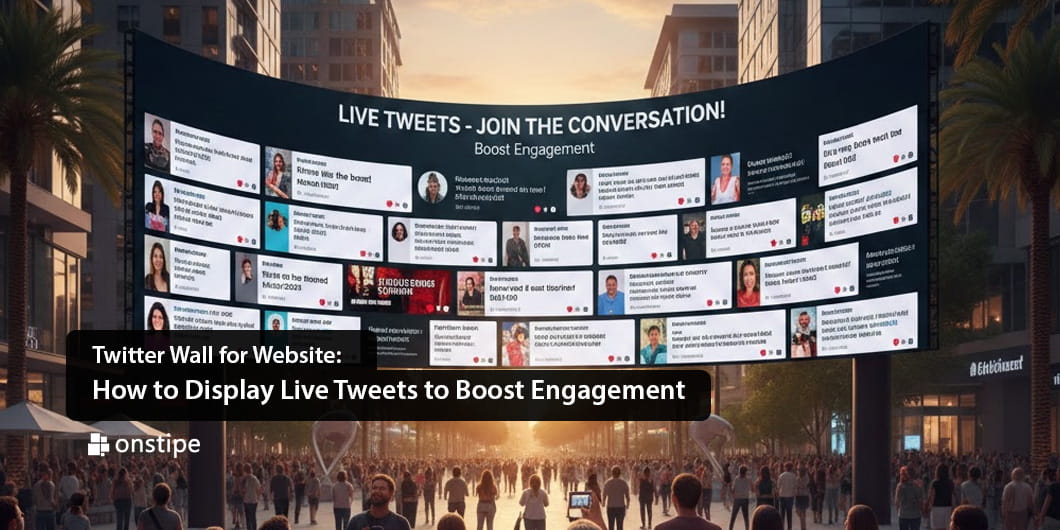
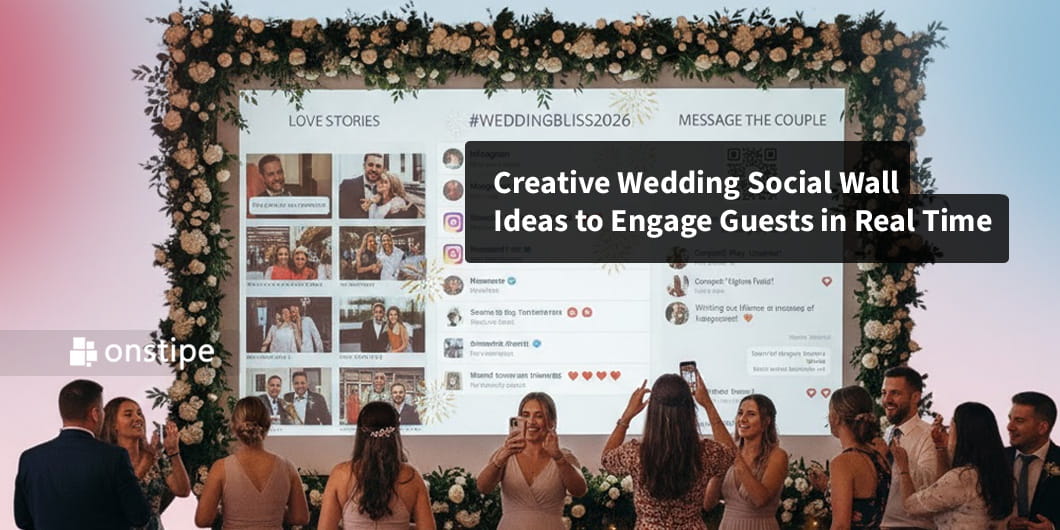
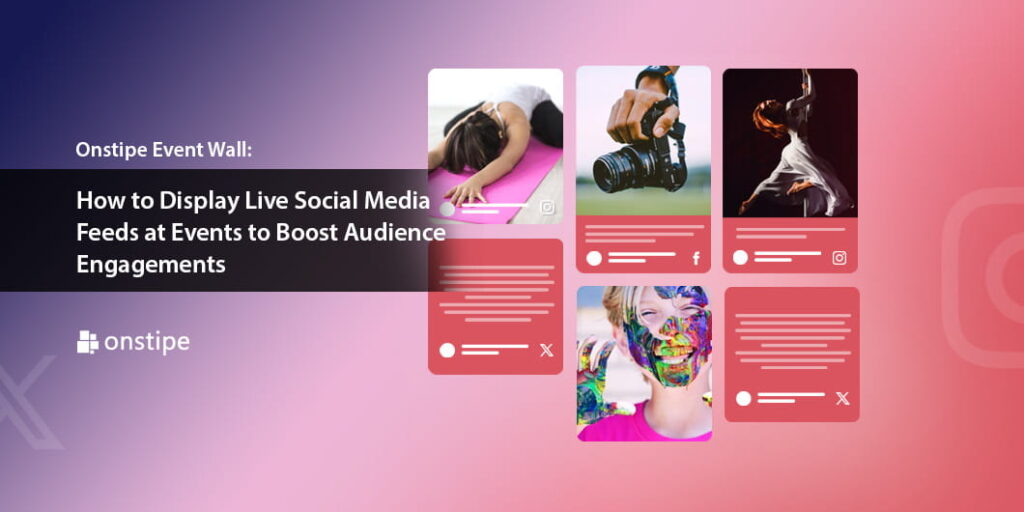
An Onstipe Event Wall allows organizers to collect and display live social media feeds at events — from platforms like Instagram, Twitter (X), Facebook, LinkedIn, and more — on large screens, websites, or event apps. By showcasing attendee posts, hashtags, mentions, and user-generated content in real time, you transform passive audiences into active participants.
In this article, we’ll explore what an Onstipe Event Wall is, how it works, and how to use it effectively to boost audience engagement and event impact.
What Is an Onstipe Event Wall?
An Onstipe Event Wall is a live social media aggregation tool designed specifically for events. It collects posts based on:
- Event hashtags
- Brand mentions
- Social media handles
- Keywords
- Tagged content
These posts are then displayed in dynamic, customizable layouts on:
- LED screens
- Projectors
- Live stream overlays
- Event microsites
- Mobile event apps
Unlike simple social media embeds, Onstipe offers advanced moderation, customization, and branding options — ensuring your event wall looks professional and aligns with your brand identity.
Why Live Social Media Feeds Matter at Events
Displaying live social media feeds does more than entertain — it directly impacts engagement, visibility, and ROI.
1. Encourages Real-Time Participation
When attendees see their posts appear on a big screen, it creates excitement. People are more likely to share content using your event hashtag when they know they might be featured.
This drives:
- Increased hashtag usage
- More social shares
- Greater event visibility
2. Builds Community and Connection
Events thrive on shared experiences. A live social wall connects attendees by showcasing their thoughts, photos, and reactions in one unified space.
It makes the audience feel like they’re part of a collective moment.
3. Expands Event Reach Beyond the Venue
Every post shared with your event hashtag reaches the attendee’s network. By encouraging social sharing, your event gains exposure far beyond the physical location.
This is particularly powerful for:
- Conferences
- Trade shows
- Product launches
- Corporate events
- Festivals
4. Creates Valuable User-Generated Content (UGC)
An Onstipe Event Wall collects authentic attendee content that can later be repurposed for:
- Marketing campaigns
- Social media promotions
- Future event advertising
- Testimonials
UGC is more persuasive than branded content because it comes from real participants.
How Onstipe Event Wall Boosts Audience Engagement
Let’s look at how this tool actively enhances engagement.
Real-Time Visibility Drives Action
When posts appear instantly on screen, it creates a feedback loop:
- Attendee posts content.
- Content appears on the event wall.
- Others see it and post their own.
- Engagement multiplies.
This cycle keeps the energy high throughout the event.
Gamification Increases Participation
You can turn your event wall into an interactive experience by:
- Running best post contests
- Featuring “Post of the Hour”
- Offering giveaways for hashtag users
- Creating engagement leaderboards
Gamification encourages repeat participation and adds excitement.
Interactive Q&A and Polls
Instead of traditional microphones, attendees can submit questions via social media. Moderators can display selected posts on the event wall for speakers to address.
This increases audience involvement and makes sessions more dynamic.
How to Set Up an Onstipe Event Wall
Setting up an Onstipe Event Wall is straightforward and scalable for events of any size.
Step 1: Create Your Event Hashtag
Choose a unique and easy-to-remember hashtag.
Tips:
- Keep it short
- Avoid special characters
- Ensure it’s not already widely used
- Include your brand or event name
Promote the hashtag on:
- Event banners
- Registration emails
- Presentation slides
- Social media announcements
Step 2: Connect Social Media Sources
Log into the Onstipe dashboard and connect the platforms you want to aggregate from.
You can collect posts based on:
- Hashtags
- Mentions
- Tagged accounts
- Keywords
This centralizes all event-related content.
Step 3: Customize the Event Wall Design
Onstipe offers multiple layout options such as:
- Grid
- Masonry
- Carousel
- Slideshow
Customize:
- Background colors
- Fonts
- Branding elements
- Logo placement
Ensure the design aligns with your event theme and is readable from a distance.
Step 4: Enable Moderation
Moderation is essential to maintain professionalism.
Onstipe allows you to:
- Approve posts before they appear
- Filter profanity
- Block spam accounts
- Highlight selected posts
This ensures only appropriate and relevant content is displayed.
Step 5: Display the Wall
Once configured, display the event wall on:
- Large venue screens
- Live stream overlays
- Event websites
- Virtual event platforms
The wall updates in real time throughout the event.
Best Practices for Maximum Impact
To fully leverage an Onstipe Event Wall, follow these strategies:
1. Promote the Hashtag Early and Often
Engagement starts before the event begins.
Encourage attendees to post:
- Pre-event excitement
- Travel photos
- Registration confirmations
This builds momentum before opening day.
2. Position Screens Strategically
Place event wall screens in:
- Entrance areas
- Networking zones
- Breakout rooms
- Main stage backdrops
Visibility drives participation.
3. Encourage Speakers to Mention the Hashtag
When speakers remind attendees to post questions or thoughts using the hashtag, engagement spikes.
Make it part of the presentation flow.
4. Highlight Influencers and Sponsors
Featuring posts from sponsors or industry influencers increases value for partners and strengthens relationships.
5. Use Clear Calls to Action
Display simple instructions like:
- “Share your experience using #Event2026”
- “Post your favorite moment to be featured”
- “Ask questions with #AskSpeaker”
Clarity increases participation rates.
Ideal Use Cases for Onstipe Event Wall
Corporate Conferences
Encourage networking and session feedback.
Product Launches
Display real-time reactions and brand mentions.
Trade Shows
Increase booth engagement and social buzz.
Concerts and Festivals
Show fan photos and excitement live.
Virtual & Hybrid Events
Embed social walls into live streams for remote audience engagement.
Measuring Event Wall Success
After the event, evaluate performance using:
- Hashtag usage volume
- Total social impressions
- Engagement rate
- User-generated content collected
- Follower growth
- Sponsor visibility metrics
These insights help demonstrate ROI and refine future event strategies.
Common Mistakes to Avoid
- Not moderating content
- Using a complicated hashtag
- Placing screens in low-visibility areas
- Ignoring virtual audiences
- Failing to promote participation
Preparation and clear strategy are key.
The Future of Event Engagement
As events become more hybrid and digitally integrated, live social walls will play an even larger role. Emerging features include:
- AI-powered content moderation
- Real-time sentiment analysis
- Interactive touch-screen displays
- Augmented reality integrations
- Multi-platform aggregation
The goal is simple: make audiences feel connected and involved.
Final Thoughts
An Onstipe Event Wall transforms events from one-way presentations into interactive experiences.
By displaying live social media feeds, you:
- Boost audience participation
- Increase social visibility
- Create authentic user-generated content
- Strengthen sponsor value
- Enhance overall event energy
In an era where engagement determines event success, real-time social interaction is no longer optional — it’s essential.
If you want your next event to be memorable, interactive, and widely shared, integrating an Onstipe Event Wall is a powerful step toward making your audience part of the story.