In the modern digital landscape, a website is often the first place customers interact with a brand. Businesses invest heavily in design, content, and functionality to create engaging online experiences. However, many websites still rely on static content that rarely changes. While this may provide useful information, it does not always capture attention or keep visitors engaged.
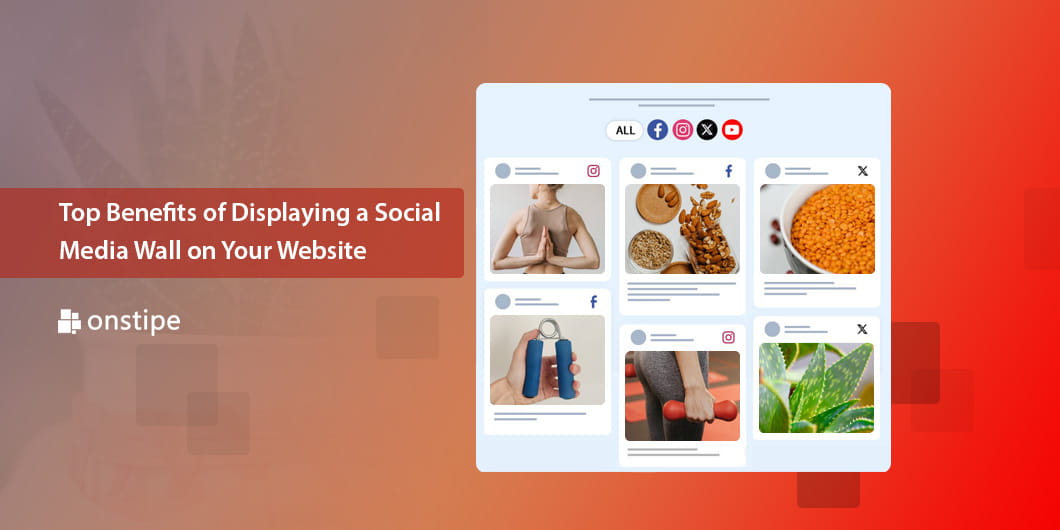
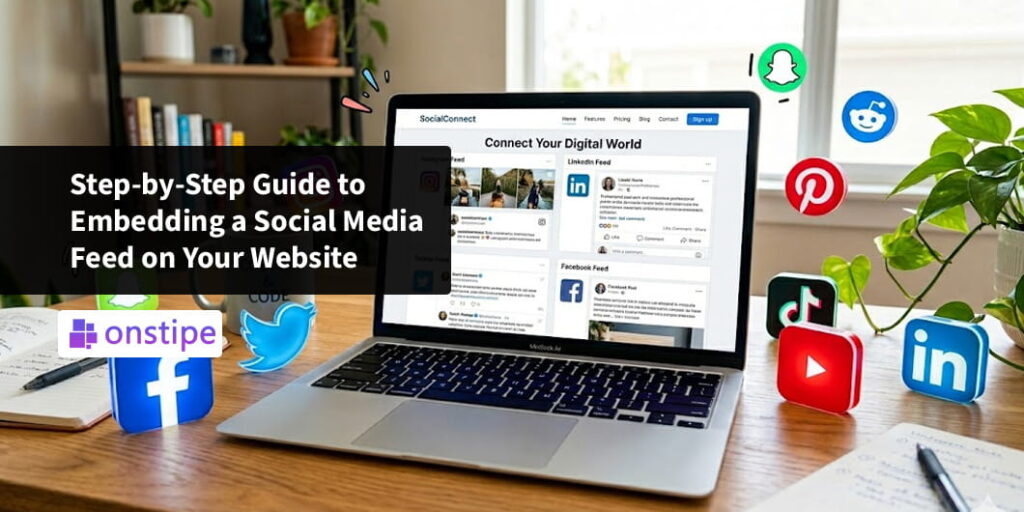
One powerful way to make a website more dynamic and interactive is by embedding a social media feed. A social media feed displays content from platforms like Instagram, Facebook, Twitter/X, and others directly on a website. Instead of visitors leaving the site to check social media profiles, they can view real-time updates, photos, and posts within the website itself.
Embedding a social media feed not only improves visual appeal but also builds trust, increases engagement, and helps businesses showcase authentic customer interactions. In this guide, we will explore why businesses embed social feeds, the step-by-step integration process, supported website platforms, customization options available through Onstipe, and best practices for displaying social feeds effectively.
Why Businesses Embed Social Media Feeds
Businesses embed social media feeds on their websites for several strategic reasons. Social media platforms are where customers share experiences, opinions, and feedback. Displaying this content on a website allows brands to highlight real interactions and strengthen credibility.
1. Showcasing Real-Time Content
Social media feeds update automatically whenever new posts are published. This ensures that the website always displays fresh content without requiring constant manual updates.
For example, a brand posting product images on Instagram can automatically display those images on its website through a social feed.
2. Increasing Visitor Engagement
Interactive content keeps visitors interested longer than static pages. When users see photos, videos, and comments from real people, they are more likely to scroll through the feed and explore the site further.
3. Building Trust Through Social Proof
When potential customers see real people using a product or sharing positive feedback, it creates social proof. This helps build confidence in the brand and influences purchasing decisions.
4. Promoting Social Media Growth
Embedding a feed also encourages website visitors to follow the brand’s social accounts. This helps businesses grow their online communities and strengthen customer relationships.
Step-by-Step Process to Embed a Social Media Feed
Embedding a social media feed may sound technical, but modern tools make the process simple. Platforms like Onstipe allow businesses to collect, customize, and display social media content with minimal effort.
Below is a step-by-step guide to embedding a social feed on your website.
Step 1: Choose a Social Media Aggregation Tool
The first step is selecting a tool that collects and organizes social media content. Onstipe is a popular solution that allows businesses to aggregate posts from multiple platforms into a single feed.
With Onstipe, users can gather content using hashtags, mentions, account handles, or keywords.
Step 2: Connect Social Media Platforms
After creating an account, the next step is connecting the social media platforms you want to display.
For example, you may connect:
- Instagram for photos and reels
- Twitter/X for tweets and discussions
- Facebook for page posts and updates
- LinkedIn for professional content
- YouTube for videos
Once connected, the platform begins collecting posts based on your selected sources.
Step 3: Create a Social Feed
Next, you create a feed by defining the criteria for collecting posts.
Common options include:
- Brand hashtags
- Social media account posts
- Tagged content
- Keyword mentions
This feed becomes the collection of posts that will appear on your website.
Step 4: Moderate the Content
Before displaying posts publicly, it is important to review the collected content.
Onstipe offers moderation features that allow businesses to:
- Approve or reject posts
- Filter inappropriate content
- Highlight high-quality posts
This ensures that only relevant and brand-friendly content appears on the website.
Step 5: Customize the Feed Layout
After moderation, the feed can be customized to match your website’s design.
Customization options may include:
- Grid layouts
- Carousel displays
- Masonry layouts
- Color themes
- Fonts and styles
These design options allow businesses to create a visually appealing social feed that blends seamlessly with their website.
Step 6: Generate the Embed Code
Once the feed is ready, the platform generates a small piece of embed code.
This code is used to integrate the social feed into your website.
Step 7: Add the Feed to Your Website
Finally, you paste the embed code into the webpage where you want the social feed to appear.
Common placement areas include:
- Homepage sections
- Product pages
- Landing pages
- Event pages
Once embedded, the feed will automatically update whenever new posts are collected.
Website Platforms Supported
One of the advantages of using social media aggregation tools is that they support a wide range of website platforms. This flexibility allows businesses to embed social feeds regardless of the platform they use.
WordPress
WordPress is one of the most popular website platforms. Social media feeds can be embedded easily by pasting the generated code into a page, post, or widget.
Shopify
E-commerce businesses using Shopify can display social feeds on product pages or homepage sections. This is especially useful for showcasing customer photos featuring products.
Wix
Wix users can add social feeds through HTML embed elements or custom widgets.
Squarespace
Squarespace websites also support embedding social feeds through code blocks, making integration simple and fast.
Custom Websites
For websites built with custom HTML or other frameworks, the embed code can be added directly into the site’s source code.
This wide compatibility ensures that businesses across industries can take advantage of social feed integration.
Customization Options in Onstipe
Customization is a key factor in making social feeds visually appealing and aligned with a brand’s identity.
Onstipe offers several customization options that allow businesses to tailor the appearance of their social media feeds.
Layout Designs
Businesses can choose from multiple feed layouts such as grids, slideshows, or masonry displays. These layouts help create a clean and organized visual presentation.
Theme and Branding
The platform allows brands to adjust colors, fonts, and themes to match their website design.
This ensures that the social feed feels like a natural extension of the website rather than a separate element.
Responsive Design
Modern social feeds must work across all devices. Onstipe ensures that feeds display properly on desktops, tablets, and smartphones.
Post Highlighting
Brands can highlight specific posts or featured content within the feed to draw attention to key campaigns or announcements.
Content Filtering
Advanced filtering options allow businesses to display only relevant posts based on keywords, hashtags, or engagement levels.
Best Practices for Displaying Social Media Feeds
While embedding a social media feed is relatively simple, following best practices ensures that it delivers maximum value.
Place the Feed Strategically
The placement of the feed on your website matters. High-visibility areas such as the homepage or product pages are ideal locations.
Visitors should be able to notice the feed without needing to search for it.
Focus on High-Quality Content
Not every social media post needs to be displayed. Curate the feed to showcase visually appealing and relevant posts.
High-quality images and engaging captions create a better user experience.
Use Branded Hashtags
Encourage customers to use branded hashtags when posting about your products or events. This makes it easier to collect and display user-generated content in the feed.
Keep the Feed Updated
Regularly monitor and refresh the feed to ensure it remains relevant and engaging.
Although the feed updates automatically, moderation helps maintain quality.
Ensure Mobile Compatibility
Since many users browse websites on mobile devices, make sure the social feed displays properly across different screen sizes.
Encourage Interaction
Include calls to action that encourage visitors to follow your social media accounts or share their own posts using branded hashtags.
Conclusion
Embedding a social media feed on your website is a powerful way to transform static pages into interactive, engaging experiences. By showcasing real-time content from platforms like Instagram, Twitter/X, Facebook, and others, businesses can highlight authentic customer interactions and build stronger connections with their audiences.
Tools like Onstipe simplify the process by allowing businesses to collect, moderate, customize, and embed social feeds with minimal technical effort. From WordPress and Shopify to Wix and custom websites, social feeds can be integrated into almost any platform.
When implemented effectively, social media feeds enhance visual appeal, increase visitor engagement, build trust through social proof, and encourage deeper interaction with a brand’s online presence.
By following the right integration steps and best practices, businesses can turn their websites into dynamic social hubs that reflect real conversations and experiences happening around their brand.