Imagine attending an event where photos shared by attendees appear on a large screen in real time. Or visiting a website where customer photos, Instagram posts, and brand updates come together in one attractive display. These experiences make social media feel more interactive, personal, and connected to the real world.
Today, businesses are constantly looking for ways to capture attention, build customer trust, and encourage people to engage with their brands. Brands also need to bring those conversations into the places where their audiences spend time, whether that is a website, an event venue, a retail store, or a conference.
A social media wall makes this possible by collecting and displaying content from social media platforms in one centralized location. It can showcase branded posts, customer photos, videos, hashtag campaigns, and other relevant social content.
In this guide, we will explore what a social media wall is, its key benefits, practical examples, and the steps you can follow to create one for your business.
What Is a Social Media Wall?
A social media wall is a digital display that brings together content from one or more social media platforms and presents it in a single, organized feed. The content may include posts, photos, videos, mentions, and campaign-related hashtags, depending on the tool and supported platform integrations.
For example, imagine a clothing brand running an Instagram campaign encouraging customers to share photos wearing its products. The brand can collect selected posts and display them together on a social media wall. Website visitors and event attendees can then see how real customers style and use the products.
Most social media walls are powered by a social media aggregator, which collects content from supported social platforms and organizes it into a display. Many tools also offer customization and moderation features, allowing businesses to control how the wall looks and which posts appear. In simple terms, a social media wall turns separate social media conversations into one engaging visual experience.
Key Benefits of a Social Media Wall
A perfect social media wall can support several marketing goals. Here are some of its most valuable benefits.
1. Increases Audience Engagement
People are more likely to participate when they feel their contributions matter. A social media wall gives audiences an opportunity to see their posts displayed alongside content from other customers, attendees, or community members.
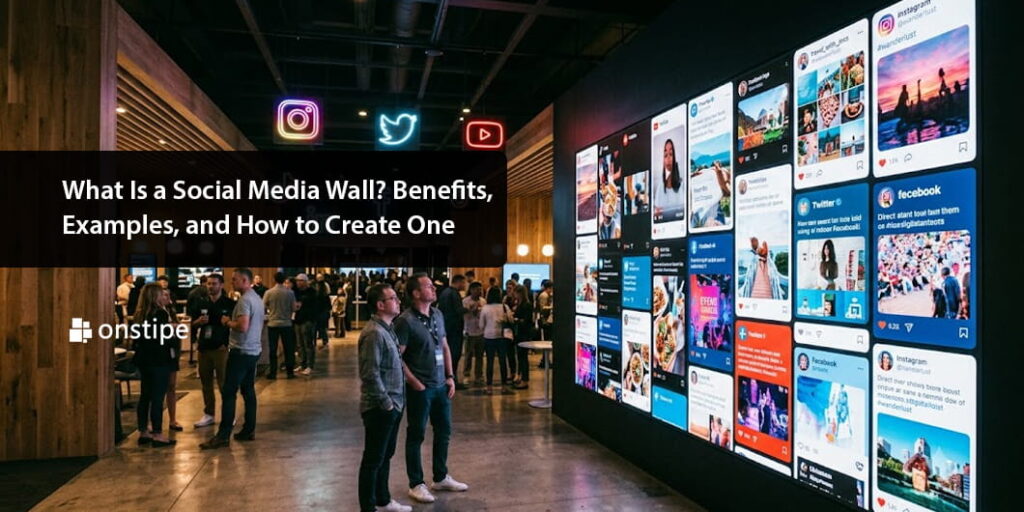
At an event, for instance, guests may be encouraged to share pictures using a branded hashtag. Seeing selected posts appear on a screen can motivate more people to join the conversation. This creates an interactive experience instead of making audiences passive viewers.
2. Builds Trust Through User-Generated Content
Customers often want to understand how other people experience a product or service before making a decision. User-generated content, such as customer photos, videos, and genuine social posts, can provide that additional perspective. A social media wall allows brands to showcase this content in a visible and organized format.
When visitors see authentic customer experiences, they can gain a better understanding of the brand and its community. However, businesses should obtain the appropriate permissions before republishing customer content and avoid presenting promotional material as independent customer opinion.
3. Keeps Website Content Fresh
A website can start feeling outdated when its content rarely changes. Adding a social media wall gives businesses another way to introduce fresh material without manually creating every individual post.
For example, a travel company could display selected customer photos from different destinations, while a restaurant could feature approved posts from diners.
When the connected sources are functioning correctly and new content is available, the wall can help the website feel more active and relevant.
4. Encourages More Social Media Participation
A social media wall can connect a brand’s online and offline audiences. When people see a campaign hashtag displayed on a website or event screen, they may be encouraged to create their own content and join the campaign.
This approach can help brands generate additional user-generated content, strengthen community participation, and create a shared experience around a product launch, event, or promotion.
5. Supports Brand Awareness
Displaying branded hashtags, campaign posts, and customer mentions can help people recognize a brand and understand how others interact with it.
At conferences and exhibitions, a social media wall can keep a campaign visible throughout the event. On websites, it can introduce visitors to a brand’s social activity without requiring them to leave the page. The result is a more connected brand experience across digital and physical channels.
6. Makes Events More Interactive
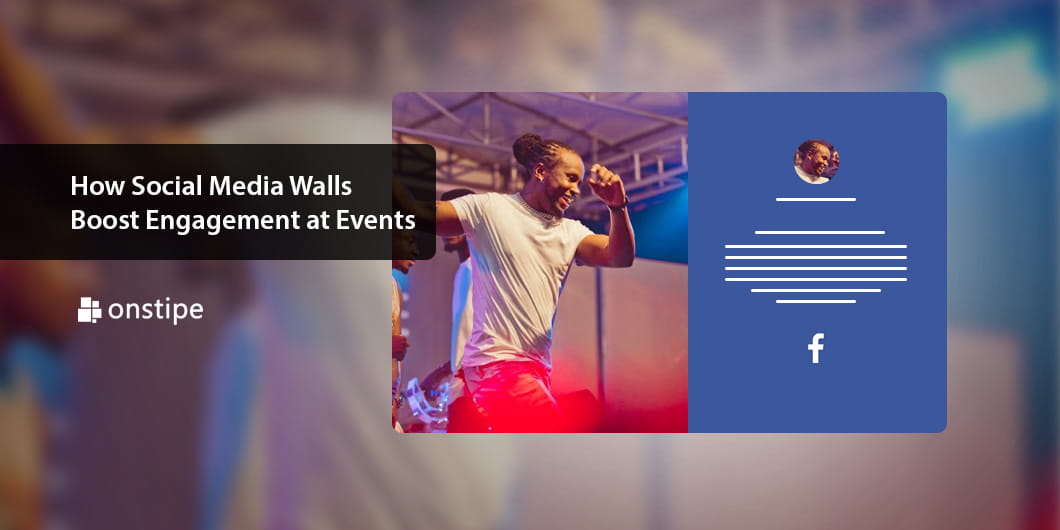
Events are most popular use cases for social media walls. Instead of limiting interaction to presentations and conversations, organizers can invite attendees to share content and become part of the event’s digital story.
A live social wall can display approved photos, posts, and hashtag contributions on venue screens. This works particularly well for conferences, product launches, exhibitions, college festivals, and corporate gatherings.
Popular Social Media Wall Examples
A social media wall can serve different purposes depending on where and how it is used. Here are five practical examples.
1. Social Media Wall for Events
Event organizers can display selected social media posts on large screens throughout a venue. Attendees can share photos using the event hashtag, while the wall showcases approved contributions.
Example: A marketing conference displays attendee posts and event highlights between sessions, encouraging people to participate and share their experiences.
2. Social Media Wall for Websites
Businesses can embed a social media wall on their homepage, product pages, or dedicated community pages.
Example: A skincare brand showcases approved customer photos and product-related posts to help visitors explore how its products fit into real routines.
3. Social Media Wall for Retail Stores
Retailers can use digital displays to highlight customer photos, product styling ideas, and brand campaigns.
Example: A clothing store features selected customer outfits on an in-store screen, giving shoppers inspiration while they browse.
4. Social Media Wall for Universities
Educational institutions can use social media walls to highlight campus activities, student achievements, and approved event content.
Example: A university displays selected posts from its annual cultural festival, helping students feel connected to campus life.
5. Social Media Wall for Product Launches
Brands can create a social media wall around a launch hashtag to collect and showcase campaign participation.
Example: A technology company features approved audience reactions and event posts during a new product launch, creating a shared experience for attendees.
How to Create a Social Media Wall
Creating a social media wall does not necessarily require advanced technical skills. With the right tool and a clear plan, most businesses can get started in a few steps.
Step 1: Define Your Goal
Start by deciding what you want the wall to achieve. Do you want to increase event participation, showcase customer experiences, improve website engagement, or promote a campaign? Your goal will influence the content sources, design, and placement of the wall.
Step 2: Choose a Social Media Wall Tool
Select a tool that supports your intended use case. Platforms such as Onstipe, Walls.io, and Flockler offer social content aggregation or social wall solutions.
Compare supported social networks, moderation features, customization options, display compatibility, and pricing before making a decision.
Step 3: Connect Your Social Media Sources
Connect the relevant social accounts or content sources supported by your chosen platform. Depending on the tool, you may be able to collect posts from connected accounts, hashtags, or other approved sources. Available content depends on each platform’s permissions and integration rules.
Step 4: Curate and Moderate Content
Review the content before displaying it, particularly when using public hashtags or audience-generated posts.
Remove irrelevant or inappropriate material, follow platform requirements, and obtain permission when necessary. A clear moderation process helps protect your brand and creates a more professional experience.
Step 5: Customize Your Social Media Wall
Adjust the layout, colors, fonts, and display style to match your brand. Choose a format that works for your intended placement.
For example, a large event screen may need a layout that is easy to read from a distance, while a website wall should fit comfortably within the page and work well on mobile devices.
Step 6: Embed or Display Your Wall
Follow the provider’s instructions to add the wall to your website or display it on a compatible screen.
Before launching, check that the content loads correctly, the layout is responsive, and the display remains readable. Test the experience on different devices whenever possible.
Step 7: Monitor Performance
After launching your social media wall, evaluate whether it is helping you reach your goal.
Depending on your setup, useful measurements may include audience participation, social mentions, feed interactions, website engagement, and campaign-related conversions.
Use these insights to refine the content, placement, and design over time.
Conclusion
A social media wall is more than a collection of social media posts. It is a practical way to connect your brand with its audience, highlight customer experiences, and encourage participation across websites, events, and physical spaces.
From increasing engagement and showcasing user-generated content to supporting event marketing and improving the freshness of website content, social media walls offer businesses several ways to create more interactive experiences.
The process is straightforward: define your goal, select a suitable tool, connect your sources, moderate the content, customize the design, and display the wall where your audience will see it.
If you want to bring your social media activity into your website or next event, a social media wall is a useful place to start. With thoughtful planning and consistent moderation, it can help turn everyday social conversations into meaningful brand experiences.